
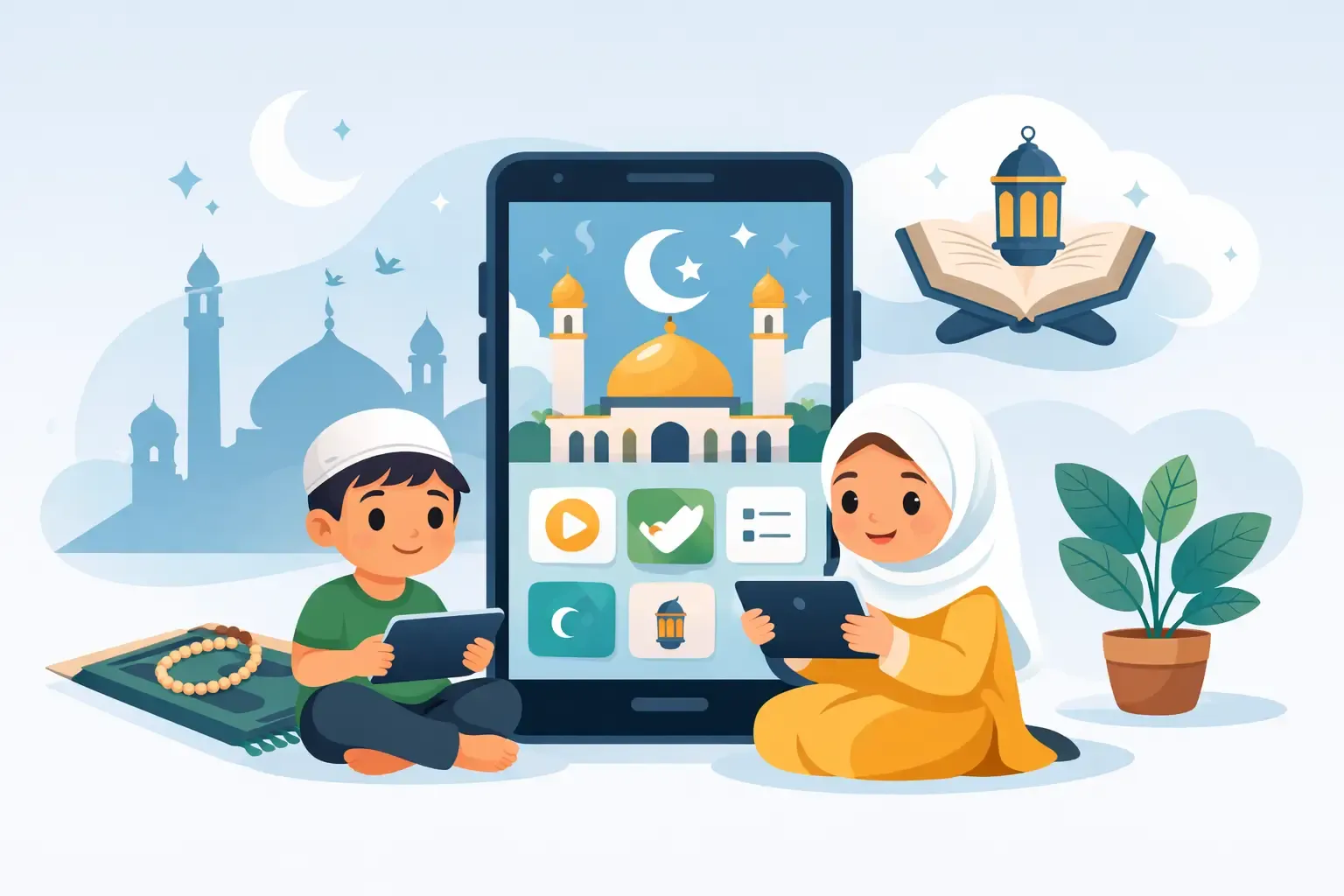
Islamic Learning App Review for Young Children
For Muslim families, the right app can support meaningful learning at home. The wrong fit can create passive screen time, confusing messages, or pressure that does not match a child’s developmental stage. The best choice depends on your child, your family routine, and the role you want technology to play.
What an Islamic Learning App Should Do
A worthwhile Islamic learning app does more than present Arabic letters, nasheeds, or animated stories. Those features can be valuable, but they need to sit within a thoughtful learning experience. For preschoolers, faith is often learned through repetition, warmth, relationships, and everyday practice. An app should reinforce those experiences, not try to replace them.
Look for content that introduces Islam with gentleness and clarity. Young children benefit from simple lessons about Allah’s kindness, gratitude, caring for others, saying salam, making dua, and loving the Prophet Muhammad, peace be upon him. The language should feel reassuring rather than fearful, and the concepts should be presented in ways a child can connect to daily life.
Age fit matters just as much as religious content. A two-year-old may enjoy short songs, picture matching, and parent-led listening. A four- or five-year-old may be ready for letter recognition, simple Quran vocabulary, sequencing a story, or practicing a short dua. If an app expects long attention spans, extensive reading, or independent navigation from a very young child, it may frustrate more than it teaches.
Review Learning Quality, Not Just the Feature List
Many apps can sound impressive when their descriptions mention games, videos, quizzes, rewards, and hundreds of activities. A fuller islamic learning app review asks a more useful question: what will my child actually understand, remember, and use away from the device?
Look for active participation
Good early learning gives children something to do with their minds, voices, hands, or relationships. An app might invite a child to repeat a greeting, identify an act of kindness, trace a letter, listen for a sound, or answer a simple question. Better still, it may encourage an off-screen follow-up, such as helping set the table, sharing a toy, or saying Bismillah before a meal.
Passive watching is not always harmful, especially in a brief, parent-guided moment. However, a steady stream of fast videos can make learning feel like entertainment that disappears as soon as the screen is off. For young children, repetition with purpose is more valuable than constant novelty.
Notice how the app teaches values
Islamic character education should not be limited to a separate lesson labeled “good manners.” Children learn values through examples, stories, and repeated language. Consider whether the app shows kindness, honesty, patience, respect for parents, care for creation, and generosity in recognizable situations.
It is also helpful to consider the tone. Does the content invite a child toward good behavior with encouragement? Does it make room for mistakes and trying again? A nurturing approach supports the emotional security young children need in order to learn.
Consider developmental balance
An app focused only on memorization may help with repetition, but early childhood growth is broader than recall. Children also need conversation, movement, imagination, problem-solving, early literacy, numeracy, and social-emotional learning. A strong digital resource can support one or more of these areas, but it should not be mistaken for a complete early education program.
This is where play-based learning remains essential. A lesson about colors can continue with sorting laundry. A story about gratitude can become part of bedtime. An Arabic letter activity can lead to drawing, clay, or a search for familiar shapes around the house. Technology works best when it gives real-life learning a starting point.
Safety and Parent Involvement Matter
Parents should be able to understand what their child is accessing without having to monitor every tap. Before downloading an app, review its settings, advertisements, in-app purchases, external content, and account requirements. An app designed for children should not interrupt learning with distracting promotions or make it easy for a child to move into unrelated material.
Privacy deserves attention as well. Avoid sharing more personal information than necessary, especially photos, location details, or a child’s full name. If an app includes community features, messaging, or open comments, decide whether those features are truly appropriate for your child’s age.
A parent’s presence adds value that an app cannot provide alone. Sit nearby when possible, especially during the first few sessions. Ask simple questions: “What did you learn?” “Which part did you like?” “How can we practice that today?” These moments turn digital content into conversation and help you notice whether your child is engaged, confused, or overstimulated.
A Simple First-Week Test
You do not need to decide whether an app is perfect after one use. Try it thoughtfully for a week, then observe your child’s response and your own experience as a parent. A useful app should make family learning feel more supported, not more difficult to manage.
Use these four questions as your first-week test:
- Does my child return to the lesson with interest, without becoming upset when screen time ends?
- Can my child repeat or demonstrate one meaningful idea away from the device?
- Does the content reflect the Islamic values and language we want to nurture at home?
- Is the app easy for me to supervise, with settings and content that feel appropriate for my child’s age?
If the answer is no to several of these questions, the issue may not be that the app is poorly made. It may simply not be the right fit right now. A child who is not ready for quizzes may thrive with songs and stories. Another child may enjoy interactive games but need shorter sessions and clearer boundaries.
Set Healthy Expectations for Screen Time
The goal is not to make every minute educational. Children need unstructured play, outdoor movement, books, face-to-face conversation, and restful routines. An Islamic learning app should fit within those needs, not compete with them.
For toddlers and preschoolers, short and intentional use is usually more effective than long sessions. You might use an app for a few minutes after breakfast, while preparing for Jumu’ah, or as part of a calm bedtime routine. Keeping the timing predictable helps children understand that the device is a learning tool, not an unlimited source of entertainment.
It also helps to avoid using Islamic content only as a distraction during difficult moments. When faith learning is connected to comfort, family connection, and everyday practice, children are more likely to build positive associations with it. A short dua after an app activity, a related book, or a conversation with a parent can make the lesson feel real.
Build a Learning Ecosystem Around the Child
The most meaningful early Islamic education happens across a child’s day: at home, in school, in family routines, and through the examples they see. Apps can play a supportive role alongside stories, songs, practical routines, and caring teachers.
At KinderHive, this broader view matters because children grow through connected experiences. Faith-centered learning can sit naturally beside early literacy, creative exploration, STEAM activities, social skills, and play. A digital tool has greater value when it echoes that balance rather than narrowing a child’s world to the screen.
When reviewing an app, choose one that gives your child a gentle invitation to learn, then carry its best lesson into the moments you share together. A child may forget a digital badge, but they are more likely to remember the feeling of saying a dua with you, helping a sibling, or being praised for a kind choice.